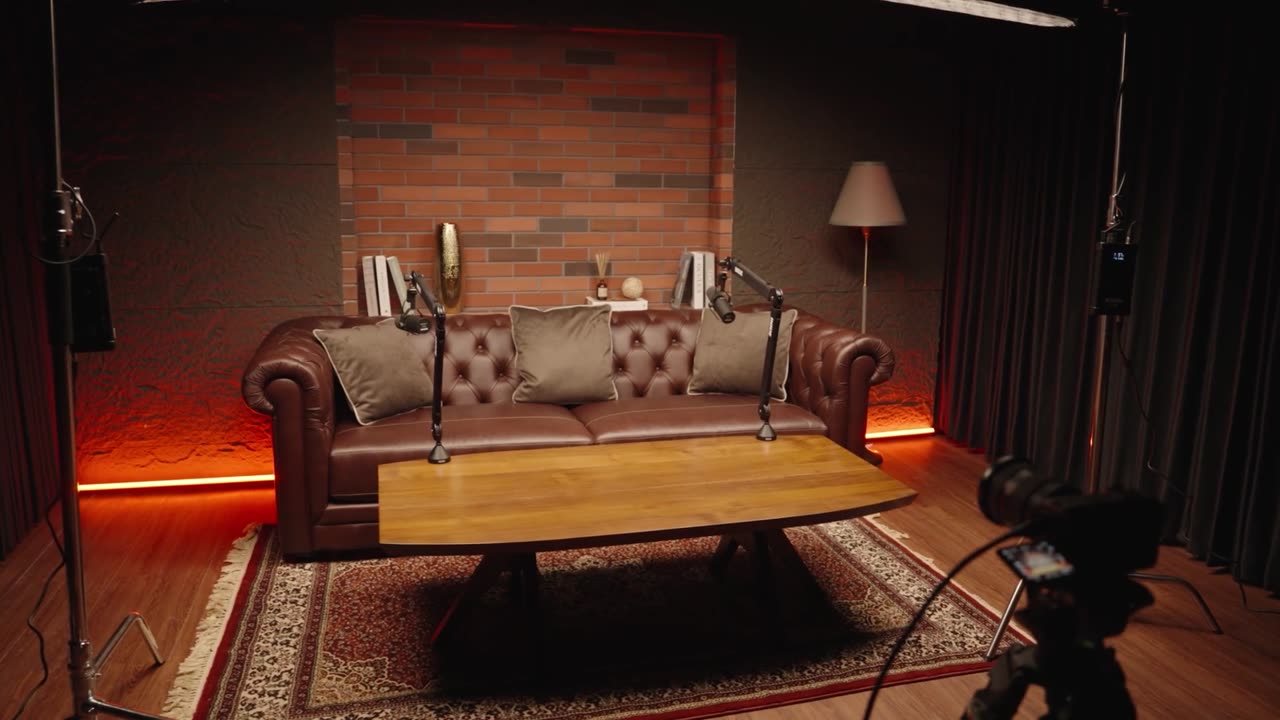
 Friends
Warm loft lounge — exposed brick with orange backlight and a classic brown leather Chesterfield. Relaxed, casual vibe for two-person chats and storytelling.
The set, the package, the slot — in three steps.
Only one shoot runs at a time, so we take care with every detail. Pick your studio, your package and a time slot — and you're booked.
Tap a set to select it. The video preview shows the real feel of the room.
Friends Warm loft lounge — exposed brick with orange backlight and a classic brown leather Chesterfield. Relaxed, casual vibe for two-person chats and storytelling.
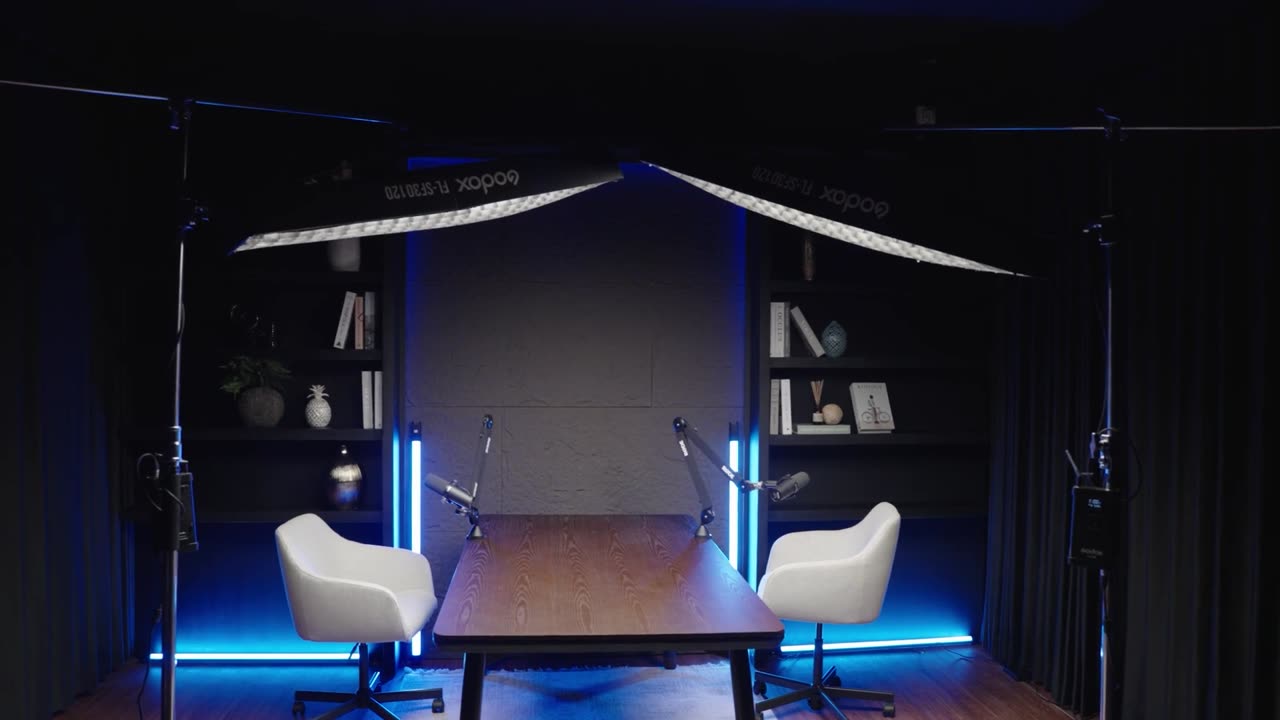 Grey's Anatomy
Dark, moody studio — stone feature wall, blue accent lighting and a pro desk mic. Perfect for cinematic interviews and serious-toned shows.
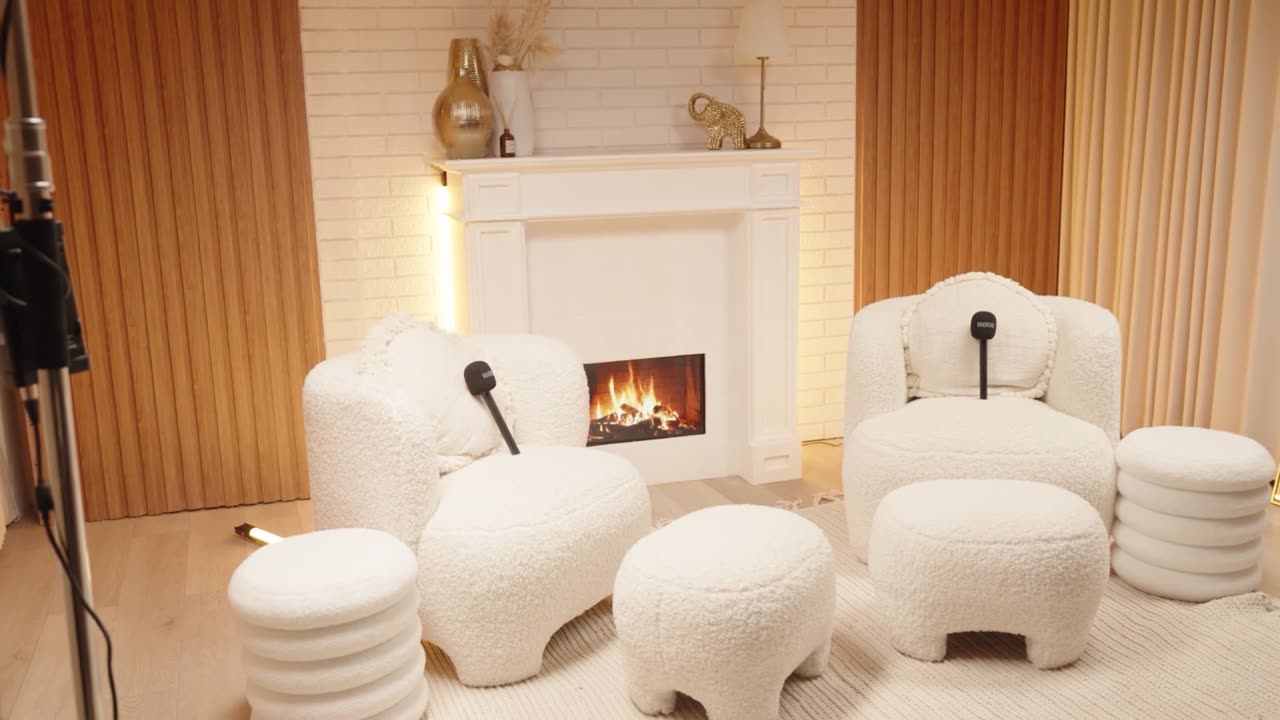 Desperate Housewives
Soft pink suburban set — white brick fireplace, warm wood panels and pink neon. Great for lifestyle, beauty and relaxed chat episodes.
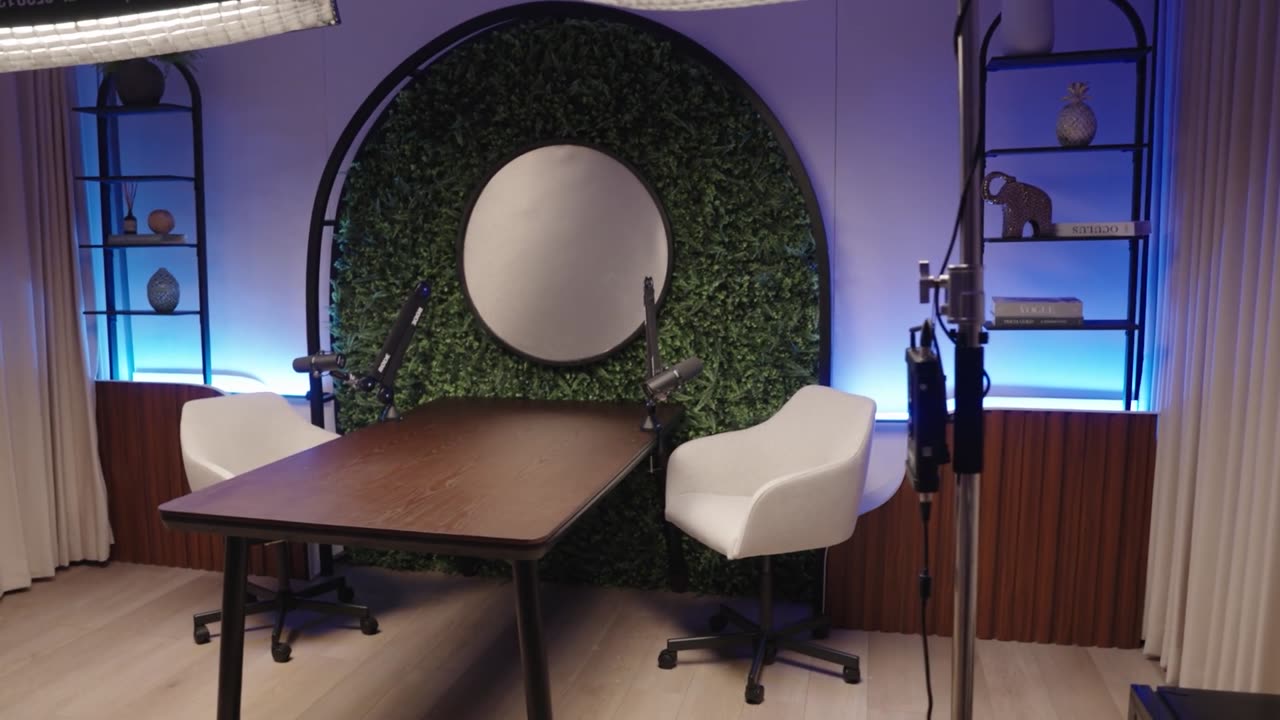 Gravity Falls
Botanical arch set — lush green wall, round feature seat and green accent lighting. A bold, nature-inspired backdrop that pops on video.
All studio lighting colours are changeable — just let us know when you arrive.
Tap a package to select it.
Audio only — no cameras
Recent reviews from creators who've booked with us.
Choose the length, the day and the start time, then send your request: the studio confirms it quickly.
Tap a studio and a package above, then pick a time below.
Choose a studio and a package first
The calendar opens as soon as the set and the package are chosen, so the studio knows exactly what to prepare for your session.
Day with free slots
Times shown in Bali time (WITA, UTC+8). If you are elsewhere, your local time is shown under each slot.
A question about booking? Message us on WhatsApp